Build a Content Calendar for a Small Website or Creator Project
A content calendar connects an audience question with a piece of work you can produce and maintain. It should show what is being made, why it is useful and what remains before publication. It does not guarantee traffic or require daily posting. Start with a manageable schedule and a clear quality check, especially when facts, dates, product details or source permissions may change.
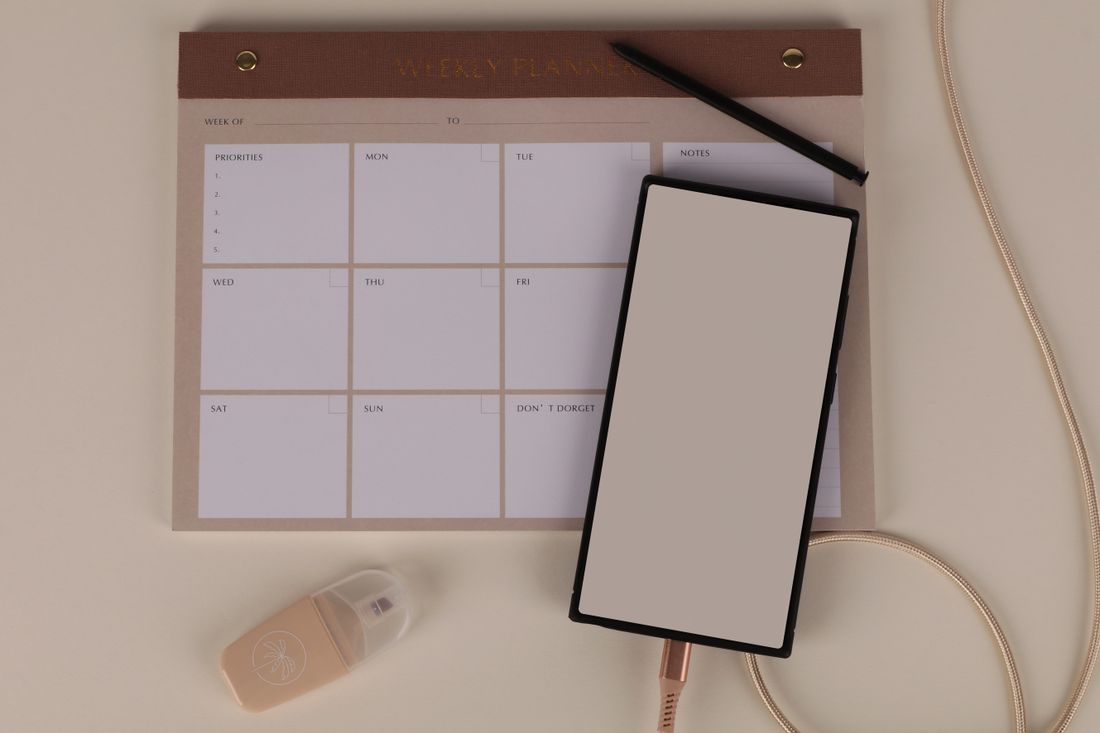
Photo: Ann H · License. Illustrative stock photography.
Choose audience questions before publication dates
Write the questions your intended readers need answered. A small travel website might focus on what to pack, how to compare routes and which official details to verify before leaving. Distinguish a broad topic from a useful question. Travel tips is a category; what should go in a weekend packing checklist is a more concrete article brief. Avoid filling dates with content ideas that have no clear purpose beyond keeping the calendar busy.
Create a brief for each item
Record the working title, audience, main question, format, scope and intended next step. A printable guide may need different production work from an essay or a short video. Note the original contribution: a worked example, a comparison method or a usable worksheet. If the subject includes changing facts, add the official sources to verify. The brief should be clear enough that another person can understand what finished is supposed to mean.
Track stages rather than only publish dates
Use a small set such as idea, researched, drafted, checked, ready and published. Assign an owner when more than one person is involved. A publication date without production stages hides the work required to reach it. Give research, image permissions, editing and link checks space in the plan. Mark a date as tentative when an essential source, approval or asset is still missing rather than presenting an uncertain item as ready.
Use a realistic example calendar
For a fictional planner website, one week might contain a weekly-planning guide in final review, a project worksheet in drafting and a reading-log article in research. Only the checked guide has a confirmed publication slot. The worksheet is not rushed merely to fill another day. A small calendar can show both upcoming work and maintenance of existing pages, making it easier to see whether new production is crowding out necessary corrections.
Define the publication gate
Before an item becomes ready, check its factual claims, spelling, source links, image rights, mobile layout and downloadable tools. Make sure headings match the content and examples are labeled as fictional where appropriate. If a page discusses a product you have not tested, do not describe it as a hands-on review. If a topic requires legal, medical or financial expertise, decide whether it belongs in the project at all and obtain appropriate qualified review where needed.
Plan maintenance as well as new work
Add a review trigger for dated or changeable content, such as an event announcement or a product update. A calendar can remind you to inspect the page, but it does not make its facts current automatically. Keep a record of meaningful corrections and remove obsolete claims. When capacity is limited, reduce new publication before abandoning accuracy checks. The calendar should help readers receive useful work, not simply help the creator produce more URLs.
Your working checklist
Checkmarks stay in this browser when storage is available. They do not submit a form or complete a booking.
Put it into practice
- Choose a few audience questions and turn each into a short brief. State the useful original element rather than assuming a broad topic is enough.
- Assign a production stage, owner if needed and tentative publication slot. Account for research, editing, assets and checks before promising a final date.
- Move an item to ready only after its facts, permissions, links and layout pass review. Clearly label fictional examples and avoid implying tests or expertise you do not have.
- After publication, record the live link and any review trigger. Use capacity and reader needs to choose the next item rather than maintaining an arbitrary volume target.
Before you finish
- Each item answers a recognizable audience question.
- The brief states scope and an original useful contribution.
- Production stages and ownership are visible.
- Changing facts have appropriate sources to verify.
- Images and downloadable material can be used legitimately.
- Publication and later maintenance both have clear checks.
Common questions
How often should I publish?
Choose a frequency you can support with useful work and appropriate checks. There is no universal posting quota that guarantees search traffic or an engaged audience.
Can I schedule evergreen content once and ignore it?
Some organizational methods remain useful for a long time, but links, tools and contextual facts can still change. Assign maintenance according to the page's actual risk of becoming inaccurate.
Should the calendar include social posts?
It can, if that helps coordinate the work. Keep each platform's format and requirements visible, and avoid treating one copied caption as a complete strategy for every audience.