Build a Recurring Admin Checklist from Real Triggers
A recurring checklist should tell you what to check, when it becomes relevant and where the current instructions live. Use it for ordinary household administration without confusing a copied date with a verified deadline.
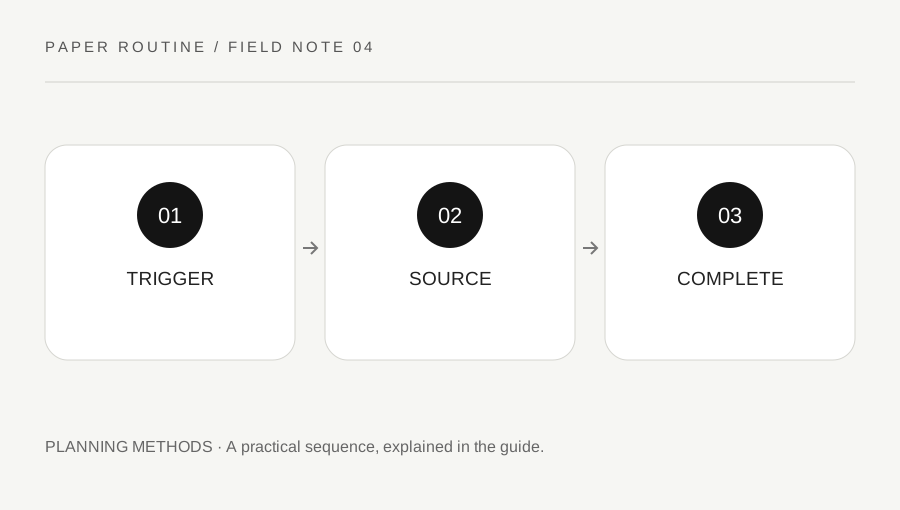
Original explanatory diagram. Examples illustrate a method or decision; they are not claims of personal testing.
Start with tasks that genuinely repeat
List ordinary repeatable work such as reviewing a club contact list, checking supplies for a regular activity or updating a shared household notice. Give each task an observable outcome. Review supplies is less clear than compare the activity-box contents with the agreed materials list. Use the smallest set of rows that covers your actual responsibilities.
Do not invent a monthly or annual frequency simply because a blank planner offers those boxes. Some tasks follow an event, a message or a change in circumstances. Write that trigger explicitly. Where an organization sets a real deadline or procedure, consult its current official information and record a reference rather than treating this general worksheet as a source of rules.
Separate the trigger from the due date
Use columns for task, trigger, current instruction, next check and completion evidence. A trigger explains why the task becomes active; a due date tells you when a particular occurrence must be completed. A personal review reminder can be useful even when no external deadline exists, but label it as your chosen check date.
For an externally governed task, verify the current date and conditions through the responsible organization. Avoid copying last year's entry and assuming it remains valid. Store private account or identity information separately. The checklist should point you to the correct source without collecting the sensitive material needed to use it in a place that other household members may casually read.
Build a small worked checklist
Imagine a volunteer who maintains a reusable craft kit. The task becomes active after each session. They check the agreed inventory, remove damaged items from ordinary use according to the group's process, and note supplies that need a separate decision. The next session date is a planning reference, not a manufacturer inspection schedule.
A second row covers reviewing the contact notice when the group's coordinator changes. That task follows a change rather than a fixed month. Each row has its own trigger, so the page does not pretend every responsibility belongs on the same repeating timetable. The example is invented for ordinary organization and should be adapted to actual equipment instructions and group arrangements.
Define completion without overcomplicating it
Write what will count as finished: the updated notice is in the agreed location, the inventory has been compared, or the responsible person has confirmed the change. A tick should represent that outcome rather than simply opening the related page. If a check creates further work, record the next action instead of marking the whole matter complete prematurely.
Use status words when a binary checkbox is too blunt. Not triggered, ready to do, waiting and complete can make the present state clearer. These are example labels, informed by the general principle of explicit task status in the GOV.UK Design System. Choose labels that your own group understands and explain them on any shared sheet.
Review the checklist itself occasionally
After a few real cycles, remove tasks that no longer apply and clarify instructions that repeatedly cause questions. Keep a dated revision note when other people use the page. Do not quietly change an agreed responsibility and assume everyone has noticed. If a task moves to another system, leave a useful reference rather than maintaining two competing current lists.
Download the blank checklist and print a readable test page. It includes space for a source reference and completion note, because recurring work often needs more context than a tick. Add important alerts to a calendar if required: paper offers no automatic notification. The useful result is a manageable guide to your real routine, with current sources and clear next steps.
Your original printable
Download the original SVG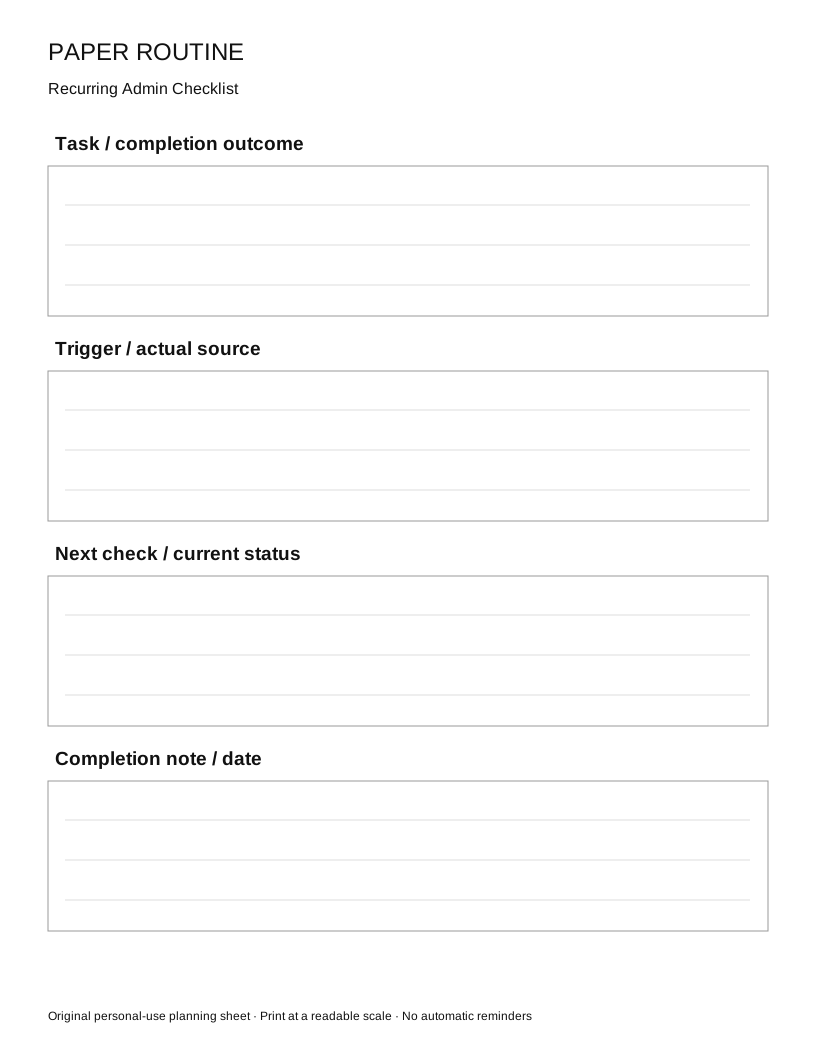
A practical checklist
Choices are saved in this browser. Reset them here or clear this site’s browser storage.
Questions that come up
Should every row repeat monthly?
No. Some tasks follow an event or a change. Use the real trigger instead of forcing unrelated work into one calendar cycle.
Can I copy last year’s deadline?
Use it as a prompt to check the current official source, not as proof that the same date or conditions still apply.
Does checking an item mean all follow-up is finished?
Only if that is the defined outcome. Create a separate action when the check reveals additional work.
References & scope
Background references checked on 18 October 2026. Worked examples and diagrams are original teaching material.