Restart an Undated Planner Without Reconstructing Every Missed Day
An undated planner can begin again with the commitments that still matter. Use a short restart review to recover current information, close obsolete tasks and make a realistic next page. Empty pages do not need an invented history.
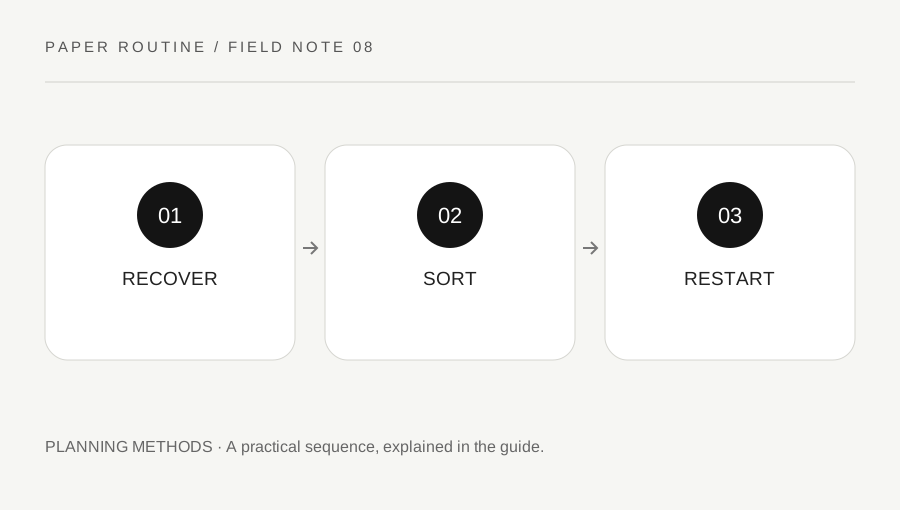
Original explanatory diagram. Examples illustrate a method or decision; they are not claims of personal testing.
Begin with today’s actual commitments
Write the current date and identify the next fixed appointments or obligations from their real sources. Check the calendar, recent messages and any relevant official notice. Do not assume that an old planner entry still describes the current arrangement. Copy the useful reference and verify the date where it matters.
Avoid filling missed pages from memory simply to make the book look complete. If a record is genuinely required, reconstruct it from reliable evidence through the proper process and label uncertainty honestly. For ordinary personal planning, a short note saying planning restarted today may be sufficient. The purpose is to resume useful organization, not to manufacture a seamless account of every previous day.
Sort unfinished work by present relevance
Review the last active task list and mark each item keep, clarify, close or move. Keep an action when it still serves a real purpose. Clarify a vague or uncertain commitment before copying it. Close something that is no longer needed, with a brief reason when the history helps. Move a future possibility to a separate ideas page rather than presenting it as immediate work.
Check whether an old task has already been completed somewhere else. Repeatedly copying it can create unnecessary duplicate effort. If another person was involved, verify the present arrangement instead of assuming their responsibilities stayed the same during the gap. A restart should reduce ambiguity and restore a usable view of the work, not merely produce a longer fresh list.
Make a small worked restart page
Imagine a planner last used before a busy fortnight. It contains buy workshop paper, confirm venue and choose a book. The paper has already been purchased, the venue confirmation has arrived, and choosing a book remains relevant. The owner closes the first two with factual notes and turns the third into a clear next action: compare the two shortlisted titles before Thursday's group message.
They add one current appointment from the actual calendar and leave room for new information. They do not backfill fourteen idealized daily schedules. This invented example shows how a short review can recover present commitments while accepting that the old page is an incomplete record. It does not claim that restarting a planner resolves workload, health or personal difficulties.
Choose a smaller structure for the next few days
Use only the fields you expect to consult: date, fixed commitments, a main priority and a few next actions. A complex spread that repeatedly goes unused may need fewer sections. Keep a separate place for incoming ideas so every thought does not compete with the day's real obligations. Adapt the format after observing actual use.
If a long task still feels unclear, identify its first visible step rather than filling every hour with optimistic estimates. Leave space for interruptions and ordinary breaks. The worksheet cannot determine your available capacity or guarantee completion. Its practical role is to make the current plan understandable enough that you can revise it when conditions change.
Use the restart sheet once, then keep planning
The original printable includes a current-date field, a short commitment check, a task-sort area and a next-page plan. Print a test copy at a readable scale or recreate those fields in the notebook you already own. You do not need a new planner purchase to begin again in a usable book.
After a few days, review which fields helped and remove those that only created maintenance. Preserve any important record in its proper location, and keep actual reminders in a system that can notify you when needed. The restart page is a bridge back to ordinary planning. Once the current information is clear, let it become a dated reference instead of repeating the restart exercise every time you open the notebook.
Your original printable
Download the original SVG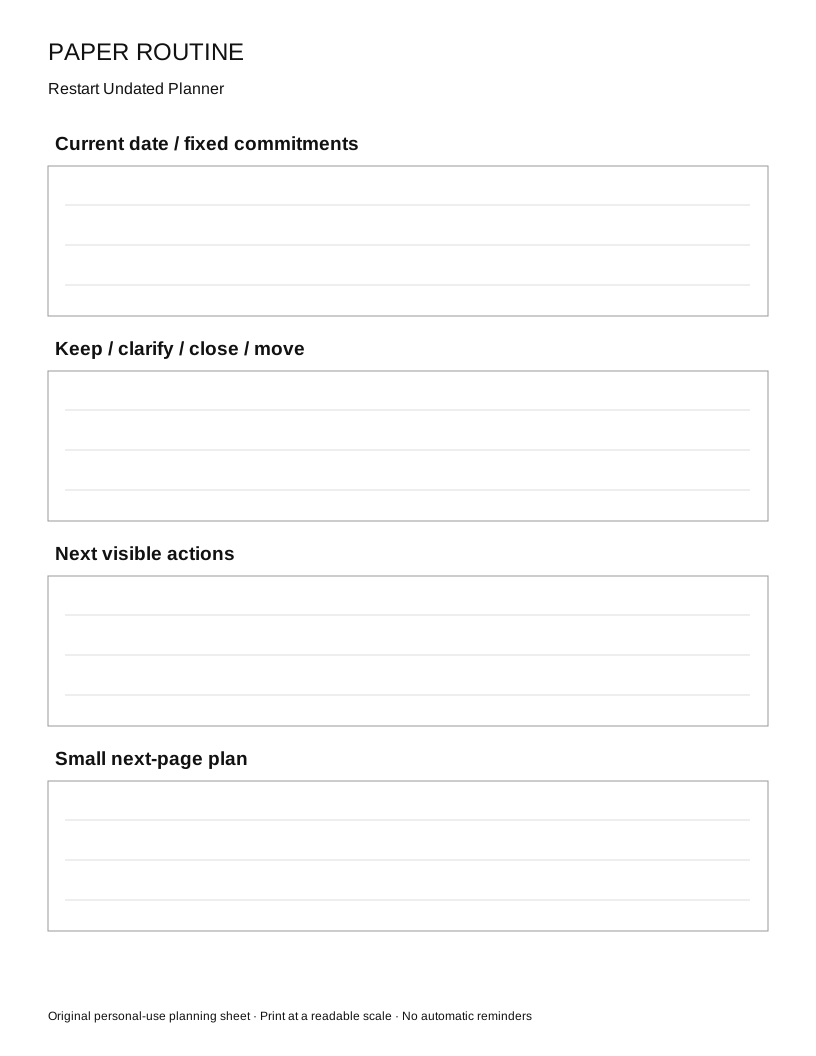
A practical checklist
Choices are saved in this browser. Reset them here or clear this site’s browser storage.
Questions that come up
Should I fill every skipped day?
Usually not for ordinary planning. Keep an honest dated restart note and recover current commitments. Follow any separate formal record requirement through its proper process.
Do I need to buy a new planner?
No. An available notebook or undated page can work when its information and layout are useful to you.
What if I stop using it again?
Resume with a short current-information check and consider simplifying the format. A blank period is information about the routine, not a reason to invent entries.
References & scope
Background references checked on 18 October 2026. Worked examples and diagrams are original teaching material.