A Waiting-For Log for Replies, Returns and Unfinished Requests
Some tasks cannot move until a reply, delivery or another person’s contribution arrives. A waiting-for page keeps the missing item and your next check together, without turning every pending request into a daily to-do.
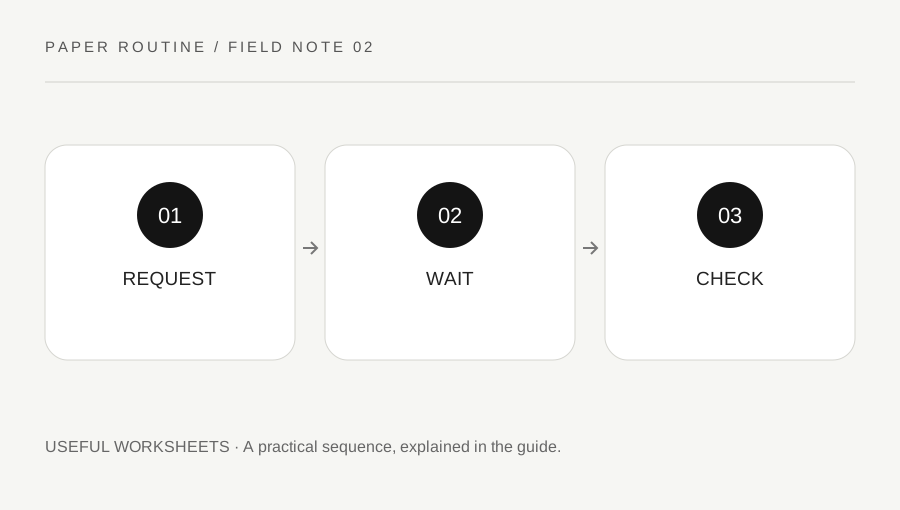
Original explanatory diagram. Examples illustrate a method or decision; they are not claims of personal testing.
Record the missing outcome precisely
Create columns for item, request date, expected response, next check and status. Write what you are waiting to receive rather than a vague label such as messages. Venue confirmation for Saturday is easier to review than venue. Include a reference to the original email or note, keeping private account details in their proper secure location.
A request that you have not sent belongs on an action list, not in the waiting-for log. Mark the actual sent date only after sending it. Distinguish a response someone promised from a date you selected for your own review. That difference prevents a personal planning preference from becoming an accusation that another person missed an agreed deadline.
Choose a proportionate review point
Set the next check according to the real request and any stated response window. A routine question and a time-sensitive arrangement may need different attention. The log does not create an automatic reminder, so place an important check in the calendar or reminder system you already use. Avoid writing an invented response guarantee into the worksheet.
When reviewing the page, inspect the original channel before following up. A response may already be present in another thread or folder. Use the reference field to find it quickly. If the underlying service provides an official tracking or support route, use that route and its current instructions; a paper note is only an index to the actual process.
Use a concrete pending-request example
Suppose you asked a local club whether there is space at an introductory session. Your entry names the club, the message date and the particular session. The expected response field says no promise given. You choose a personal check date before your own planning decision, leaving enough time to consider an alternative.
At review, you find a reply requesting one more detail. The item is no longer simply waiting: you have an action to provide that detail. Move that action to the appropriate list and update the log. Once you send it, record the new date. This invented sequence shows why waiting and doing should be distinguished rather than leaving the same row untouched until the whole arrangement ends.
Close or change a row with a reason
Use statuses that explain the present situation: awaiting reply, action needed from me, received or closed without proceeding. Add the date of the change. The GOV.UK task-list component offers background on making task states understandable; these household log labels are original editorial choices, not an implementation of a government service.
If you decide not to continue with a request, mark it closed instead of repeatedly moving its review date. Keep any necessary confirmation separately. When a response creates a new task, write that next step explicitly and link it to the original row. You then have both a useful history and a current action, without pretending that a received message means every related task is finished.
Keep the page small enough to review
Use one row per distinct expected outcome. Split a complicated arrangement when separate replies genuinely control different next steps, but avoid making a row for every ordinary message. The aim is to notice unresolved dependencies, not to maintain a transcript of all communication. Review at a rhythm that suits the actual commitments on the page.
The downloadable blank sheet has five columns and generous writing space. Print a test copy or reproduce it in a notebook. Keep a filled page out of public view if it includes other people's names or private request details. Archive completed pages only when the history remains useful, and do not store passwords, payment information or identity documents in the reference column.
Your original printable
Download the original SVG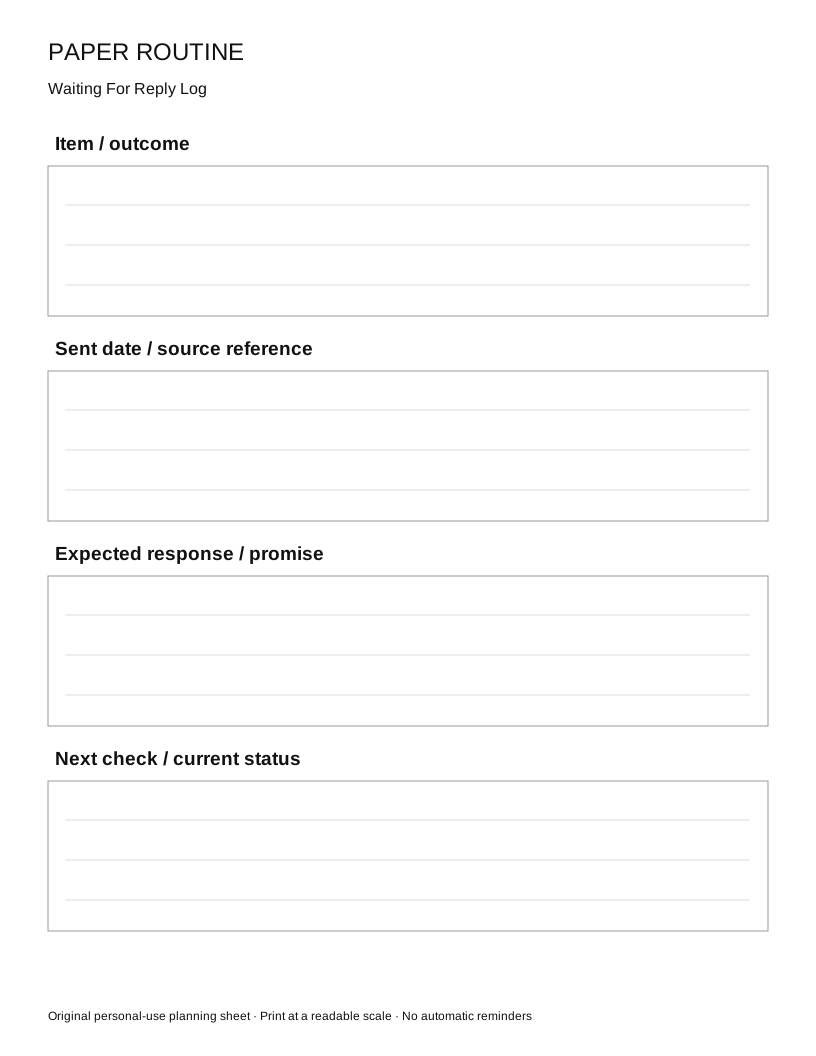
A practical checklist
Choices are saved in this browser. Reset them here or clear this site’s browser storage.
Questions that come up
Does a waiting-for log send reminders?
No. It is a paper planning aid. Add important check dates to a reminder or calendar system if you need an alert.
Should I include every email?
No. Focus on replies or items that block a meaningful next step. A long message inventory is harder to review.
What if I no longer need the reply?
Close the row with a brief reason and retain any necessary confirmation through the original service or communication channel.
References & scope
Background references checked on 18 October 2026. Worked examples and diagrams are original teaching material.